
Direct Answer
What is restaurant dashboard integration?
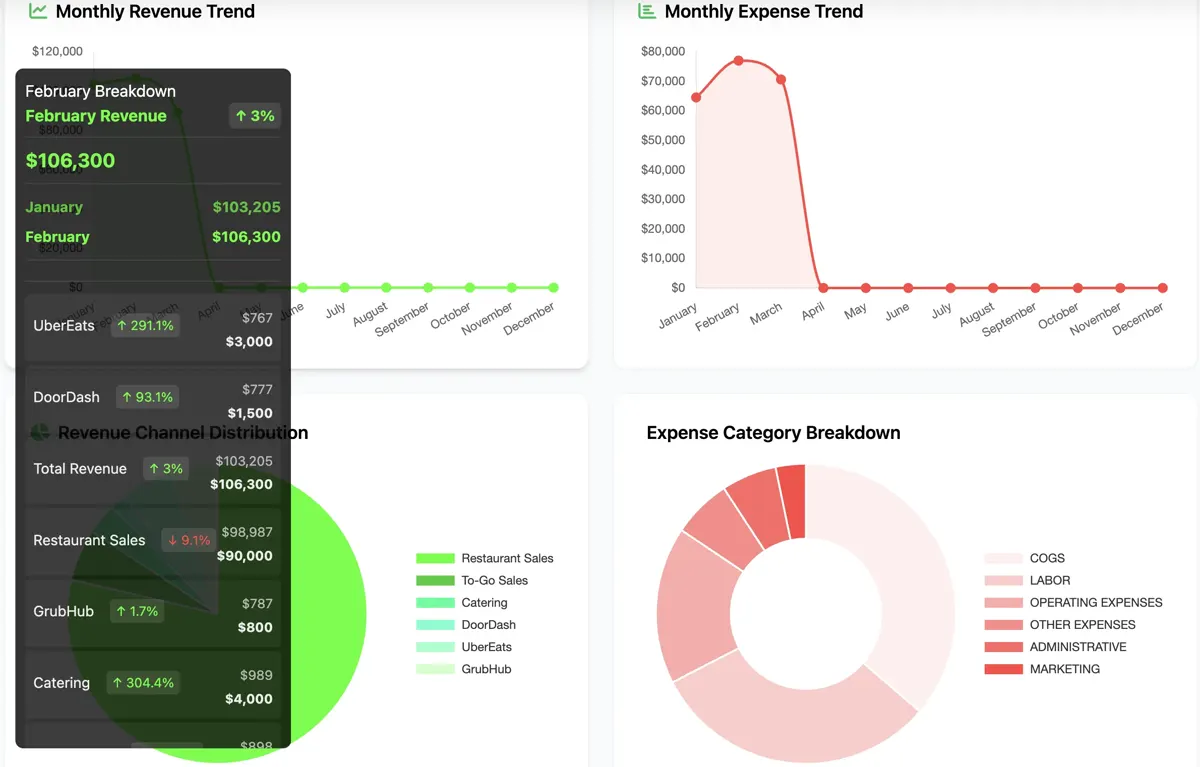
Restaurant dashboard integration is one operator view of POS exports, spreadsheets, labor files, inventory counts, and P&L data. MarginStack builds those dashboards around the files and tools the restaurant already uses.
Search Intent
Built for the exact problem operators are searching for.
For operators searching for restaurant dashboard integration, POS dashboard integration, restaurant reporting dashboards, or a better way to connect disconnected operating data.
Owner views for sales, labor, food cost, and controllables
Manager views that show exceptions and missing inputs
A cleaner path from raw restaurant data to weekly decisions
Who this is for
- Restaurants with useful data trapped in disconnected tools
- Owners who need one clear operating view
- Small groups that need consistent dashboards across locations
Common questions
Can MarginStack connect data from multiple restaurant tools?
Yes. We can design dashboards around POS exports, spreadsheets, accounting reports, labor files, forms, and custom operational inputs.
Do we need a perfect data setup first?
No. Most builds start by cleaning up the data you already have, then creating a dashboard workflow that can improve over time.
What can a restaurant dashboard integration connect?
A restaurant dashboard integration can combine POS exports, labor and scheduling reports, inventory counts, accounting data, forms, and spreadsheets into one operating view.
Related systems
Dashboard Software
Restaurant Dashboard Software
Custom restaurant dashboard software for sales, labor, food cost, inventory, P&L, menu engineering, and owner visibility.
P&L Dashboards
Restaurant P&L Dashboard
AI-assisted restaurant P&L dashboards that turn sales, labor, food cost, controllables, and period movement into an operator-ready story.
Labor Cost Dashboard
Restaurant Labor Cost Dashboard
Labor cost dashboard before payroll — in time to fix the week. Labor vs sales, scheduled vs actual, overtime risk. Owned dashboard, not another seat fee.